Workflow
The Pinterest Shadowban & Account Takedown Survival Manual: How to Backup & Protect Your Content Legacy
What happens when 4 years of curated boards vanish overnight? The step-by-step crisis prevention playbook for creators, business owners, and curators.

PintDownload Team
· 15 min read · 526 words
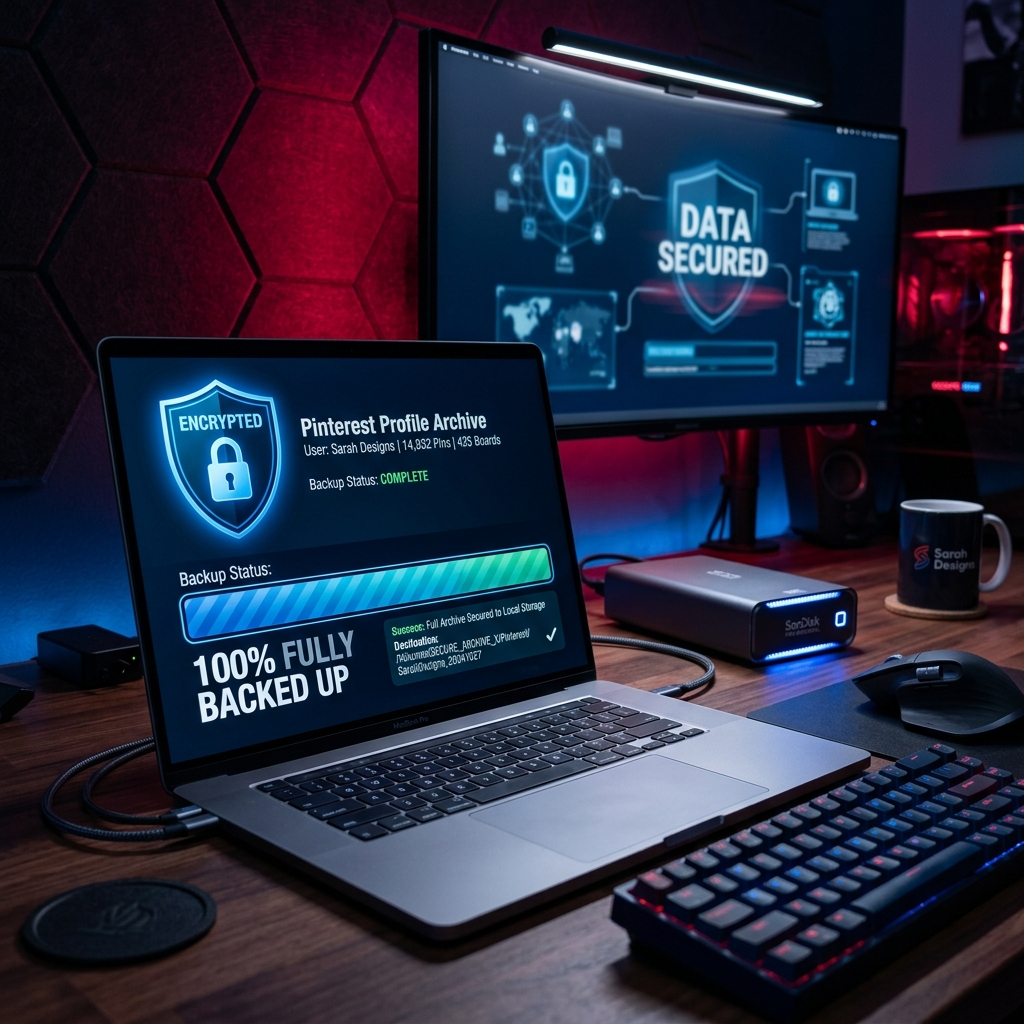
Imagine logging into your Pinterest account tomorrow morning only to be greeted by a stark red banner: "Your account has been suspended for violating Community Guidelines." In an instant, four years of curated mood boards, 15,000 saved pins, and a traffic source generating 45% of your monthly e-commerce sales are gone.
This is not a hypothetical nightmare. Every month, thousands of legitimate creators, affiliate marketers, and small business owners fall victim to automated bot sweep false-positives, broken affiliate link flags, or malicious competitor reporting. When your account is suspended, your live boards vanish—and if your appeal is rejected, your visual asset collection is lost forever.
In this critical survival manual, we outline the exact step-by-step strategy to insulate your business from platform risk by creating complete local HD archives of your profile using PintDownload's Profile Downloader and Board Downloader.
The Brutal Reality of Platform Vulnerability
Relying exclusively on a third-party social platform to store your primary creative work or marketing funnel is single-point-of-failure risk. Common triggers for sudden Pinterest account lockouts include:
- Broken Destination Links: If an old blog post or affiliate partner domain expires, automated crawlers may flag your pin links as "spam" or "malicious redirects."
- Copyright Takedowns: A single flagged image on an old repinned board can trigger automated strike penalties.
- Algorithm False Positives: High-frequency pin scheduling via third-party tools can trigger spam detection filters.
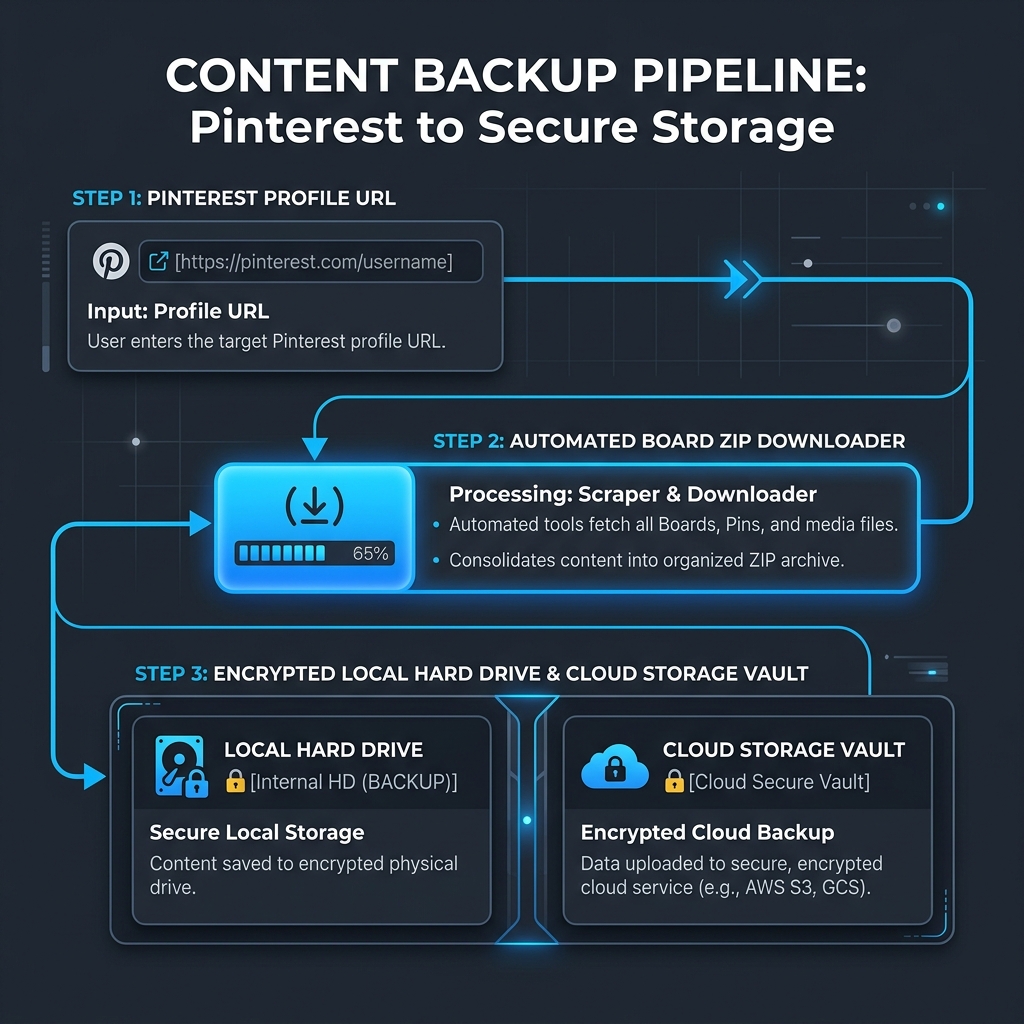
Phase 1: Building a 30-Day Automated Local Backup Protocol
The only true insurance policy against account suspension is a local, uncompressed archive of every board, pin, and video you have ever published. Here is how to execute a complete profile backup in 3 simple steps:
Step 1: Export Profile Assets as ZIP Bundles
Navigate to PintDownload Profile Downloader and input your public profile URL (e.g., https://pinterest.com/yourusername/). Our server parses all public boards and packages every high-resolution pin image, video file, and carousel slide into structured ZIP files downloadable directly to your hard drive.
Step 2: Backup Secret & Collaborative Client Boards
For private or secret client mood boards, use the Pinterest Board Downloader on individual board URLs to ensure private moodboards and brand assets are archived before client presentations.
Step 3: Organize Local Media Vaults
Store your downloaded archives in a cloud-synced directory (Google Drive, Dropbox, or local NAS drive). Folder structure recommendation:
/Pinterest_Backups/YYYY-MM-DD_FullArchive/ [Board_Names]/ [Media_Files.mp4 | .png]
Phase 2: What To Do If Your Account Is Suspended or Shadowbanned
If your account impressions suddenly collapse by 95% overnight or you receive a suspension notice, follow this battle-tested recovery sequence:
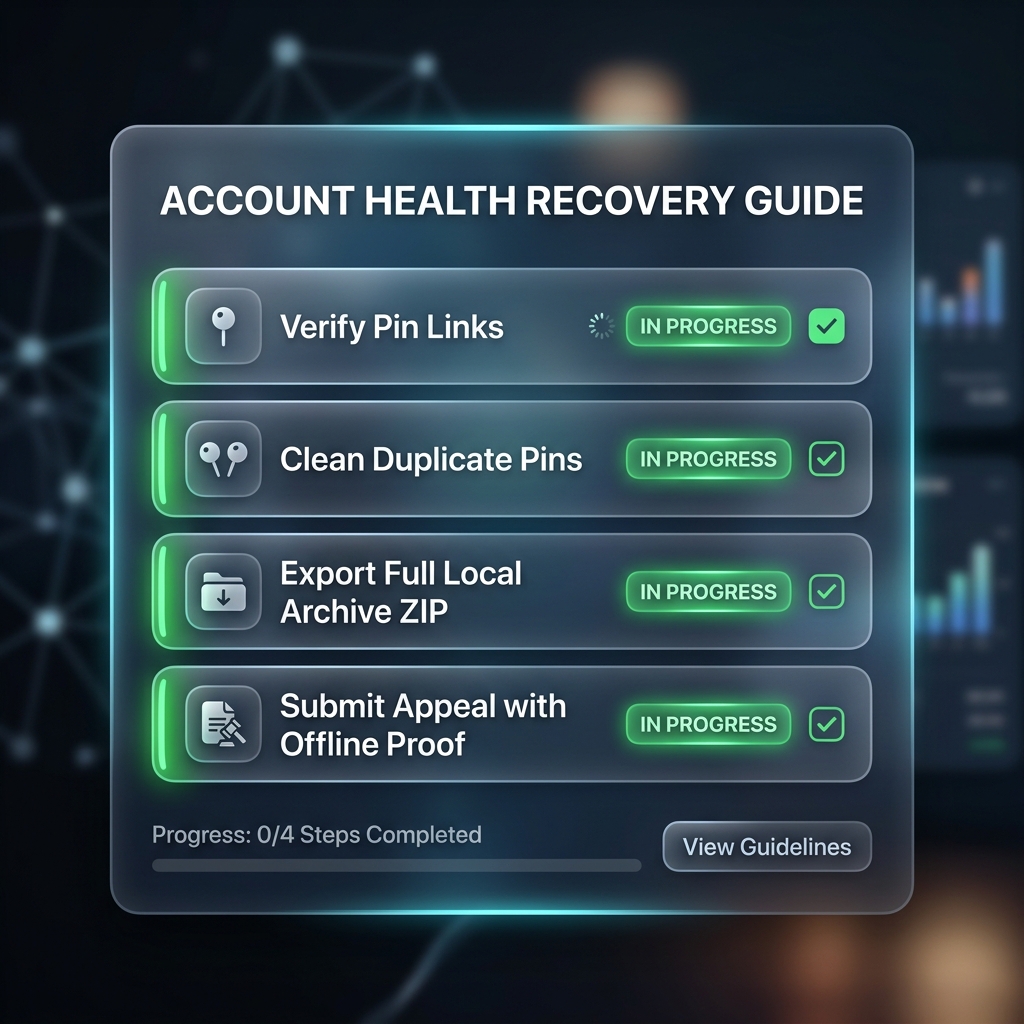
- Audit All Destination URLs: Check your live pins for dead links, 404 errors, or broken redirects using a link checker.
- Submit a Concise Support Appeal: Contact Pinterest Help Center, explain that your account follows all community guidelines, and request a human manual review.
- Deploy Backup Content to a Fresh Profile: If an account is permanently lost, having your downloaded ZIP archives from PintDownload allows you to re-launch a brand-new profile with all original creative assets in under 48 hours.
More in Workflow
Keep reading
-
 Workflow Pinterest Video Pins Strategy: How to Create High-Converting Vertical Clips 10 min read
 -
 Workflow Pinterest for Bloggers: How to Drive 100,000+ Monthly Visitors to Your Blog 13 min read
 -
 Workflow Tips & Tricks to Keep Downloaded Pinterest Videos Organized 6 min read
 - Workflow Beyond the Download: Building Your Personal Reference Library 6 min read