Boards & Profiles
How to Download an Entire Pinterest Board as a ZIP
Paste a public board URL, extract pins, and download a ZIP for offline moodboards — plus limits, carousels, and board vs profile differences.

PintDownload Team
· 6 min read · 746 words
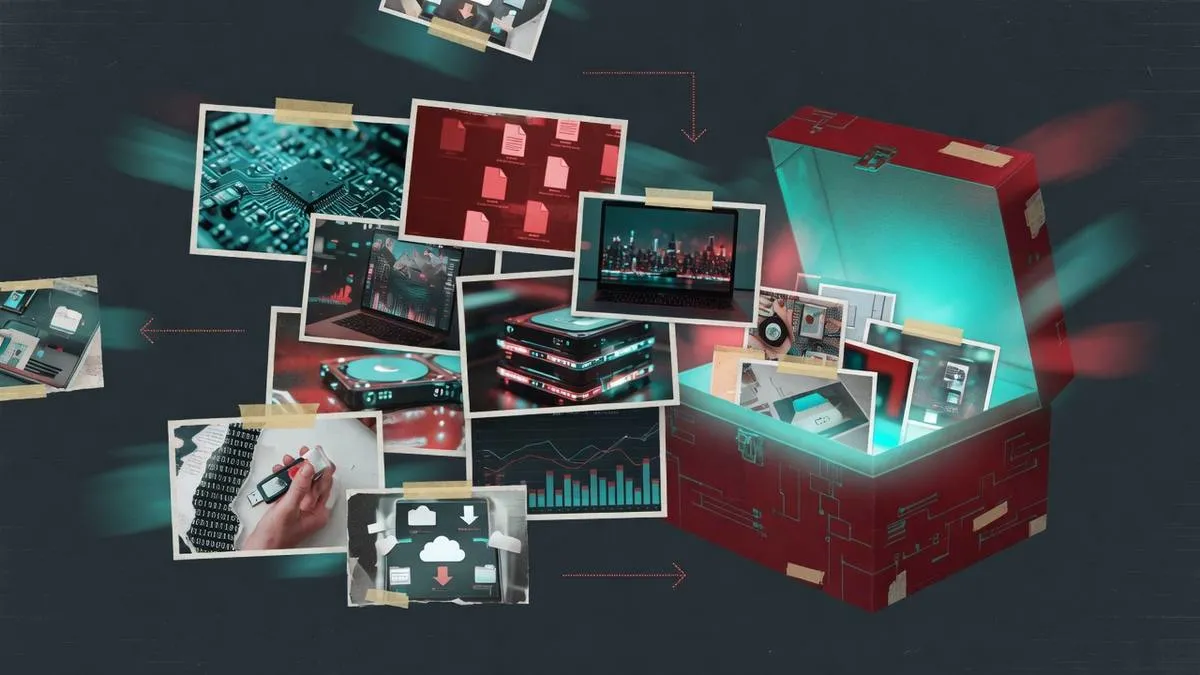
Designers, planners, teachers, and DIY-ers often need more than one pin — they need the whole board offline. The Pinterest Board Downloader is built for that intent: paste a public board URL, extract the visible public pins, and download a ZIP you can unpack into a project folder.
Bulk download is a different job from single-pin save. You trade per-file fine control for speed and completeness across a theme. This article covers the full workflow, realistic limits, carousel behavior, and how to file the result so the ZIP does not become another dusty archive.
When a board ZIP is the right tool
- Moodboards for interiors, weddings, branding, or fashion
- Class or workshop reference packs
- Renovation and DIY idea boards you will browse without Wi-Fi
- Travel destination boards for offline planning
If you only need one tutorial video, use the Pinterest Video Downloader instead — faster and simpler.
Step-by-step board download
- Open a public board (not a secret board). Confirm you can view it logged out.
- Copy the URL shaped like
pinterest.com/username/board-name/. - Paste into the Pinterest Board Downloader and run extract.
- Review the pin list. Download individual items if you only need a subset, or click Download ZIP for the pack.
- Unpack into a named project folder the same day.
What to expect from results
Public pins visible in the board response are listed up to a practical limit. Extremely large boards may not dump every historical pin in one pass. Media types mix images and videos. Filenames are functional; rename keepers that matter to your project.
Secret boards, restricted pins, and deleted items will not appear. That is expected.
Carousels inside boards
ZIP packs usually include cover media per pin for speed and size. For every carousel slide of a specific pin, open that pin in the Pinterest Pin Downloader. Details: carousel slides guide.
Board vs profile vs pin
Boards are themed. Profiles are creator-level. Pins are atomic. Compare: URL types. Creator survey packs: Pinterest Profile Downloader.
Filing the ZIP like a professional
- Name the folder after the project, not “board-download-final-v3”.
- Pull hero references into a
_keeperssubfolder. - Delete obvious duplicates during first review.
- Back up keepers if the project is client-facing or long-running.
Systems thinking: personal reference library · organization tips.
Performance notes
Board ZIPs take longer than single pins because many assets are fetched and packed in the browser. Stay on solid Wi-Fi for large boards. See download times if a pack seems stuck.
Preparing a board before you extract
Spend two minutes cleaning the public board if you own it: remove off-topic pins, pin the best references near the top, and confirm nothing secret is mixed in (secret content will not export anyway). If you do not own the board, scan it once to confirm it is themed tightly enough to be worth a ZIP — giant catch-all boards create digital clutter.
After the ZIP lands
- Unpack into
Projects/Name/Refs/board-slug/ - Delete obvious duplicates during first pass
- Promote 10–20 keepers into a flat
_heroesfolder for daily work - Optional: note the board URL in a
SOURCE.txtfor attribution later
When board ZIP is the wrong tool
- You only need one video tutorial — use the video downloader
- You need every angle of one product pin — use the pin/carousel tool
- You need a creator’s whole public style survey — consider profile ZIP
Choosing the right altitude (pin vs board vs profile) is half of a calm workflow.
Client moodboard delivery
When delivering inspiration to a client, send a curated hero set plus a note that images are reference-only. Do not imply the ZIP grants commercial rights. If the project needs production assets, budget for photography or licensed stock next.
Versioning boards
If a living board changes weekly, include the download date in the folder name: kitchen-board-2026-07-23. Future you will want to know which snapshot a decision was based on.
Try it on PintDownload
Paste a public Pinterest link and download free — no account required.
Open Board Downloader · Board ZIP · Profile ZIP · More guides
Frequently asked questions
Do secret boards work?
No. Only public boards are supported.
Are videos included in board ZIPs?
Public video pins may be included when available; mixed boards contain both images and videos.
Is there a maximum board size?
Practical limits apply. Very large boards may require focusing on sections or key pins.
Related tools: Pinterest Pin Downloader · Pinterest Video Downloader · Pinterest Board Downloader · Pinterest Profile Downloader
More in Boards & Profiles
Keep reading
-
 Boards & Profiles How to Download an Entire Pinterest Board as ZIP in 2026 (Free & Fast) 8 min read
 -
 Boards & Profiles Crafting Million-Dollar Client Pitch Decks: The Offline Pinterest Mood Board Masterclass 13 min read
 - Boards & Profiles How to Download Full Pinterest Profiles: Export All Boards & Pins into ZIP Archives (2026) 12 min read
- Boards & Profiles How to Download Pinterest Profile Pins as a ZIP 6 min read