Guide
How to Download Pinterest Idea Pins & Story Pins with All Video Pages (2026)
Learn how to save all slides and video pages of Pinterest Idea Pins and Story Pins without losing content or missing pages.

PintDownload Team
· 10 min read · 198 words
What Are Pinterest Idea Pins and Story Pins?
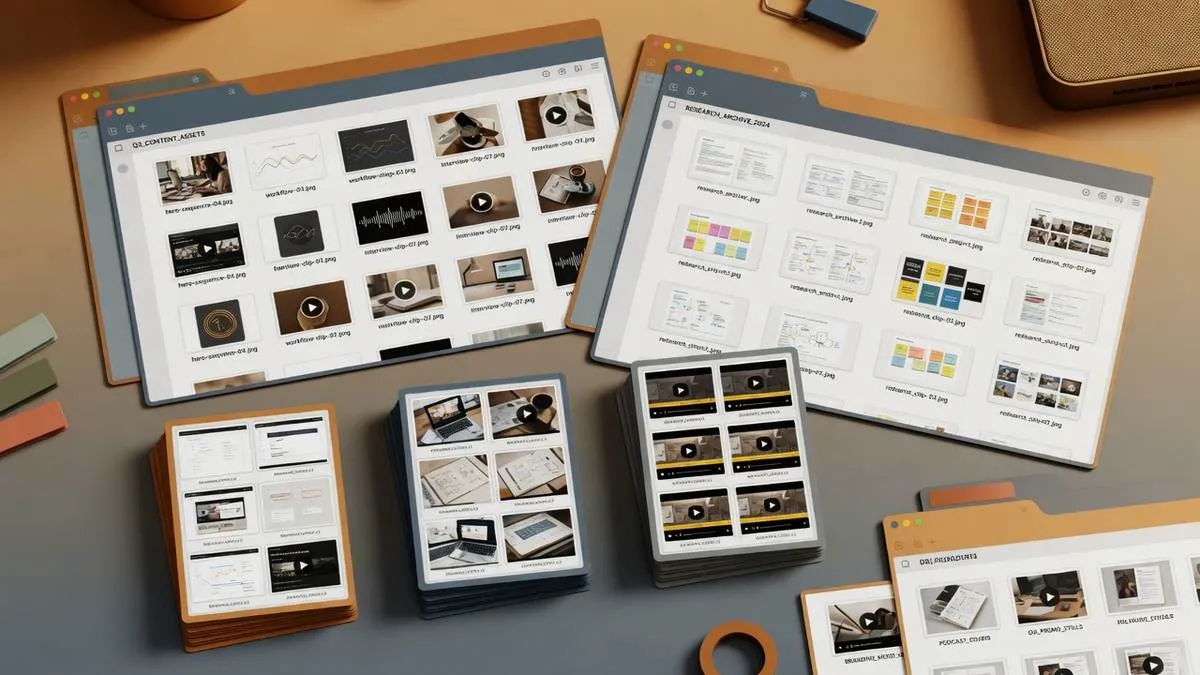
Idea Pins (formerly known as Story Pins) are Pinterest's multi-page interactive content format. Unlike standard single-image or single-video pins, Idea Pins consist of up to 20 swipeable pages containing a blend of short-form videos, step-by-step images, voiceovers, interactive stickers, and text overlays.
The Challenge of Downloading Multi-Slide Idea Pins
When you attempt to right-click or save an Idea Pin in a web browser, the browser only captures the static thumbnail or first slide. Secondary video slides and recipe cards are lost because they load dynamically as the user swipes through the story stack.
How PintDownload Extracts Every Page of an Idea Pin
PintDownload inspects the underlying StoryPinVideoBlock and media array structure of Idea Pins. When you paste an Idea Pin link into our Pinterest Story Downloader, our system parses every slide index and presents two download options:
- Individual Slide Downloads: Download any specific video or photo page from the story.
- Full Story ZIP Pack: Download all slides packaged into a clean, numbered ZIP archive.
Save Idea Pins Offline
Paste any Idea Pin or Story Pin URL to extract every slide into your offline library.
More in Guide
Keep reading
-
 Guide Best Pinterest Downloader in 2026: Reddit Community Recommendations & Tests 9 min read
 -
 Guide Designing High-Converting Pin Graphics: Templates, Typography & Layout Rules 11 min read
 -
 Guide Interior Design & Home Decor on Pinterest: Sourcing & Curating Client Mood Boards 10 min read
 - Guide How to Download Pinterest Videos in 1080p Full HD & 4K Resolution with Audio (2026) 11 min read